
VMware Horizon Client ?
Horizon Client can use the PCoIP, Microsoft RDP and VMware Blast remote display protocols to establish a network connection between client devices and Horizon View desktops running on a server in the data center.
VMware Horizon View ?
VMware Horizon View is the virtual desktop host platform for vSphere.
Horizon Client Installation Steps :
First need to open your web browser and navigate to https://www.vmware.com/go/viewclients
Now Select the latest version .
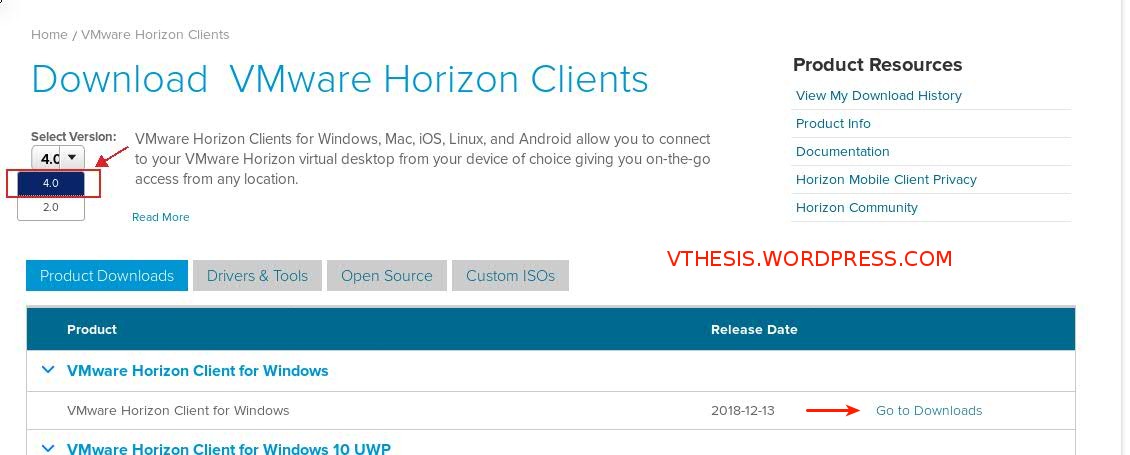
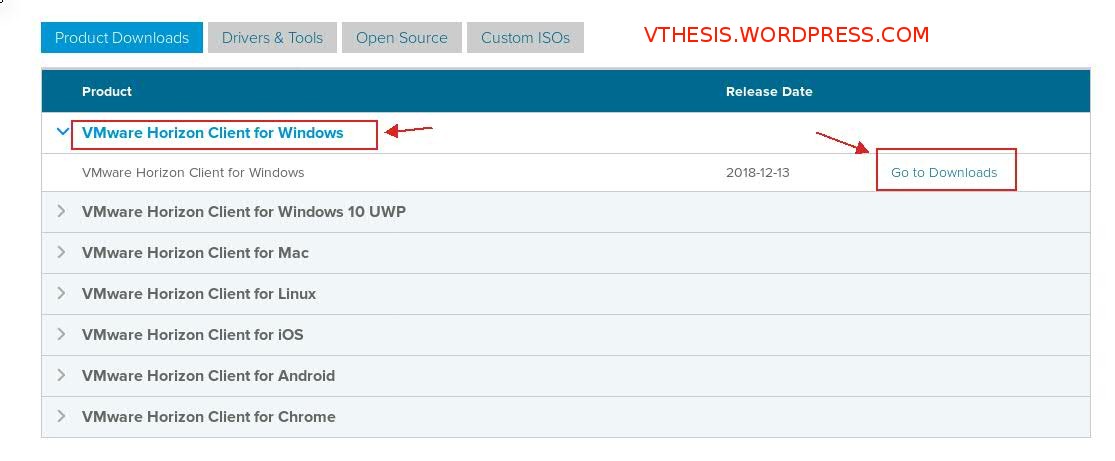
Now need to select “VMware Horizon Client “for Windows then “Go to Downloads ” .
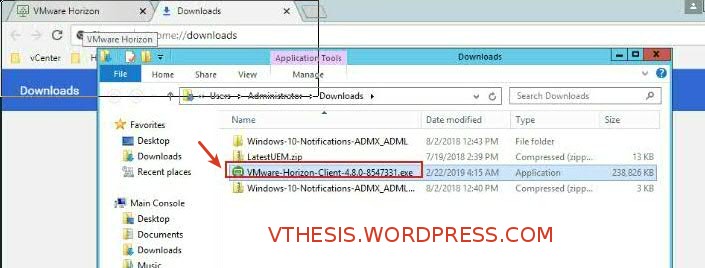
Then browse the .EXE location on your computer and double-click
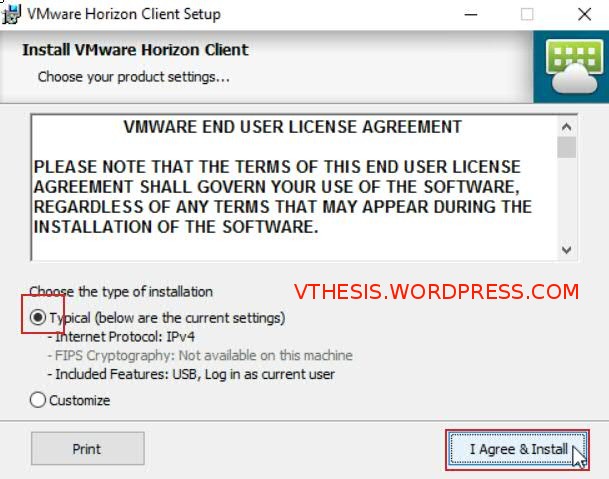
Then select Typical and click on “I Agree & Install” . When installation has completed, click on Finish .
Now launch the VMware Horizon client.
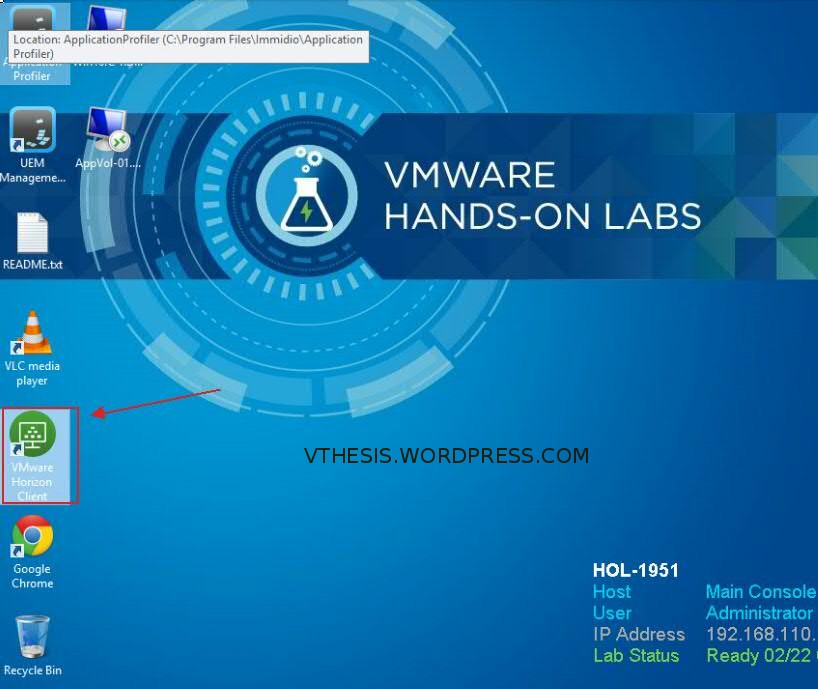
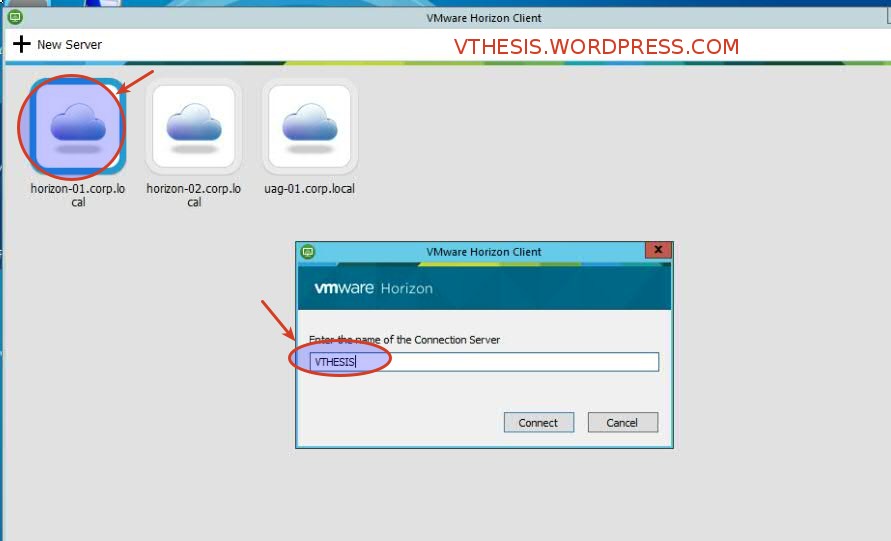
Now click on view server, if this is a new installation, double-click Add Server .Type your server name with FQDN which you want to connect .
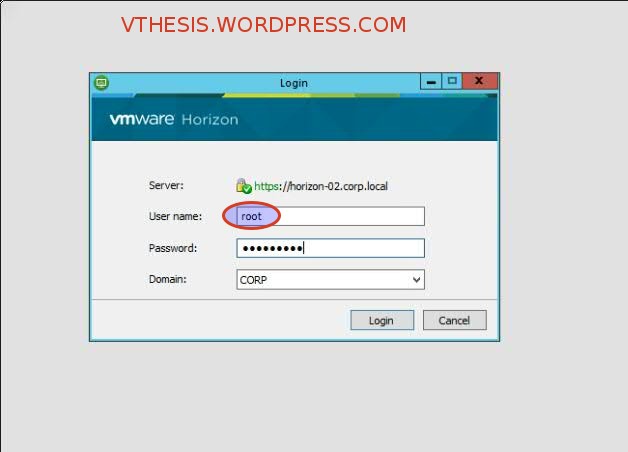
Now you able to see logon screen, enter your Windows username and password and select domain .
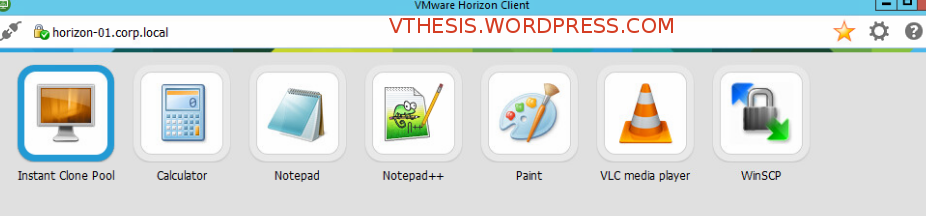
On the desktop screen, double-click which you want to launch .
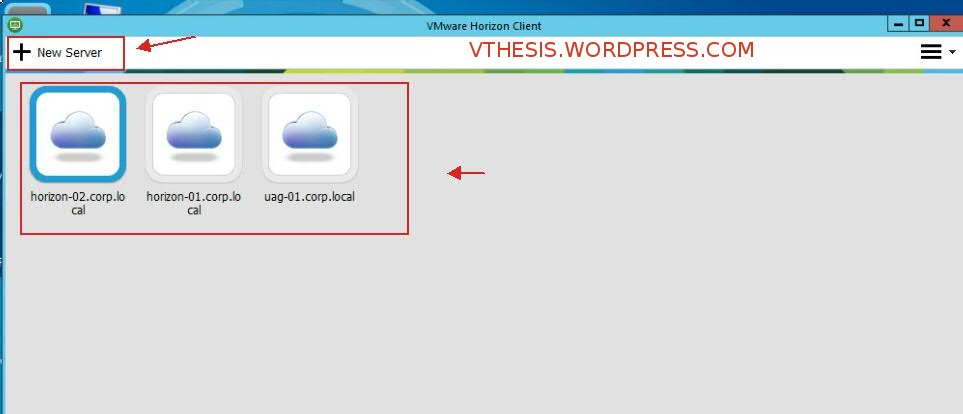
After that you may able to use the desktop .
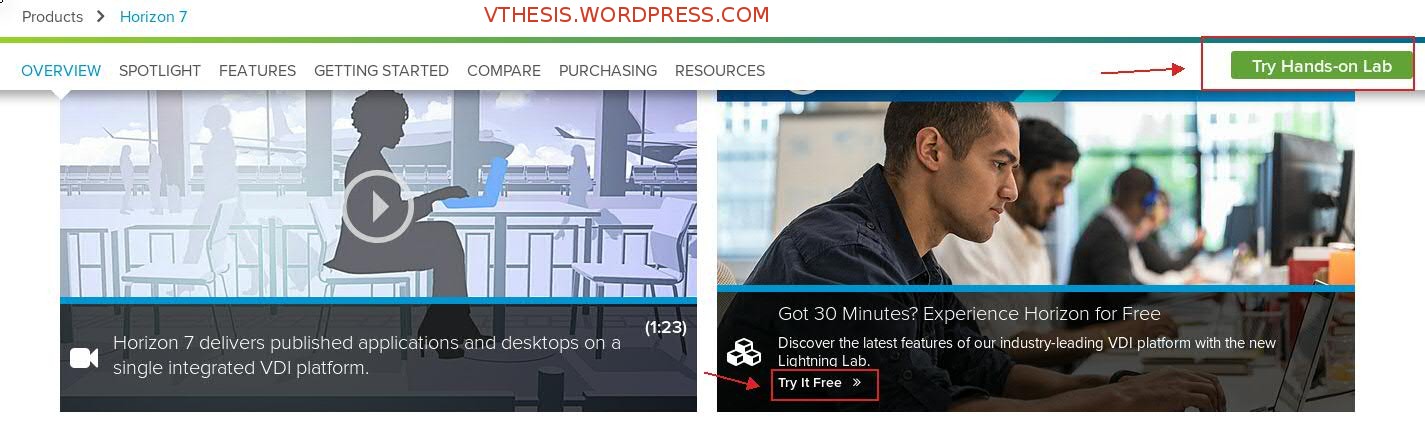
You may use free VMware Horizon 7 Lightning Hands-on Lab from https://www.vmware.com/products/horizon.html the click on “Try Hands-on LAb”
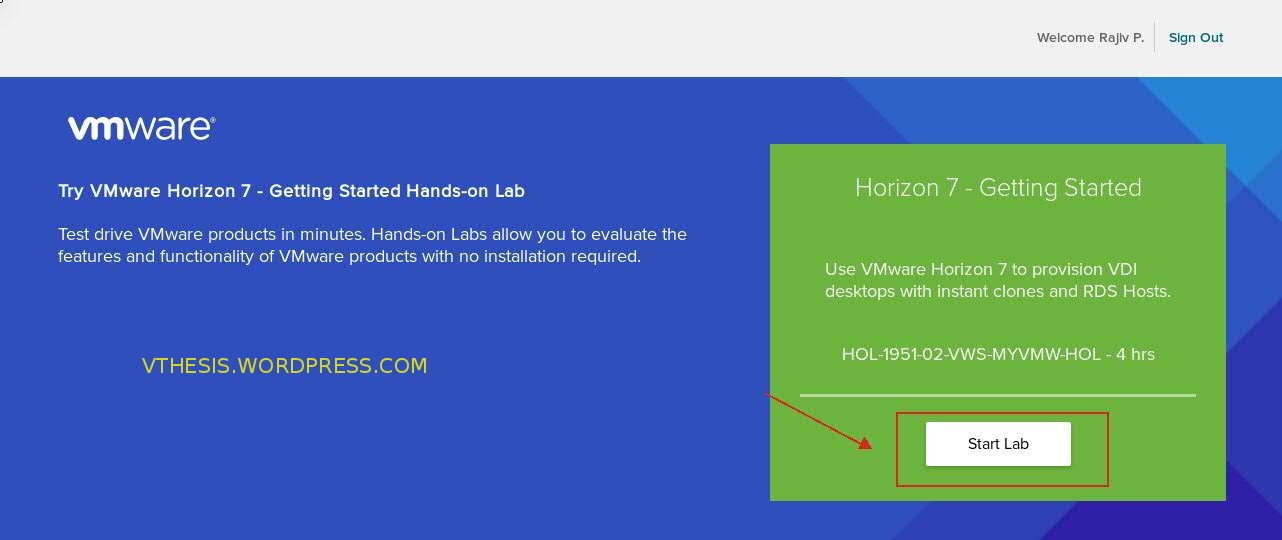
Then Click on the start lab .
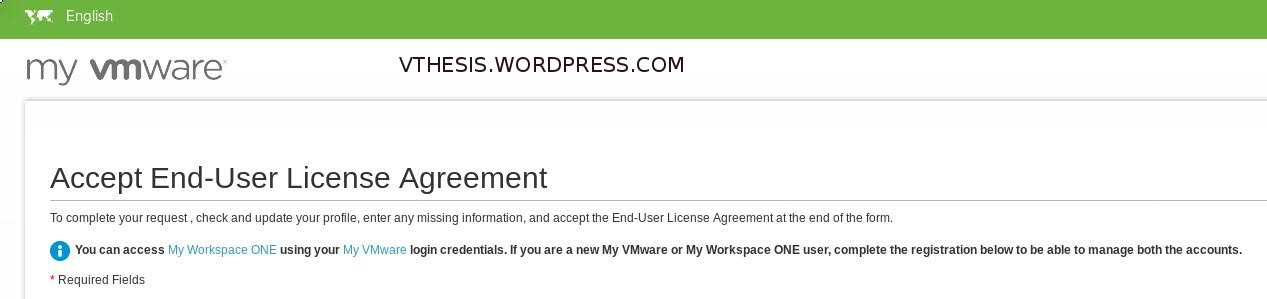
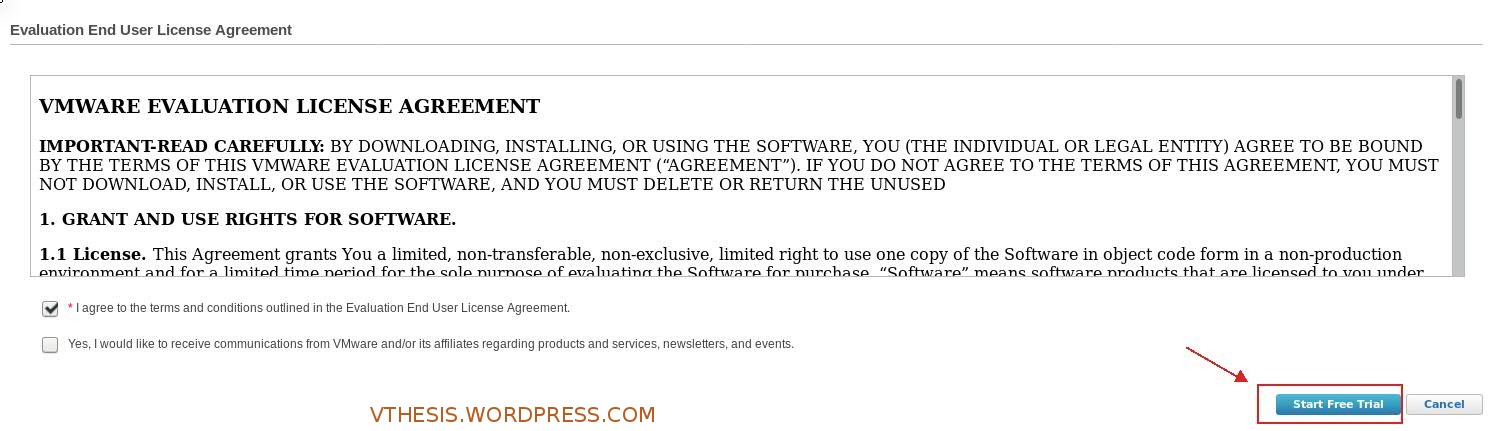
Now need to accept end user license .
Now will able to start free trial
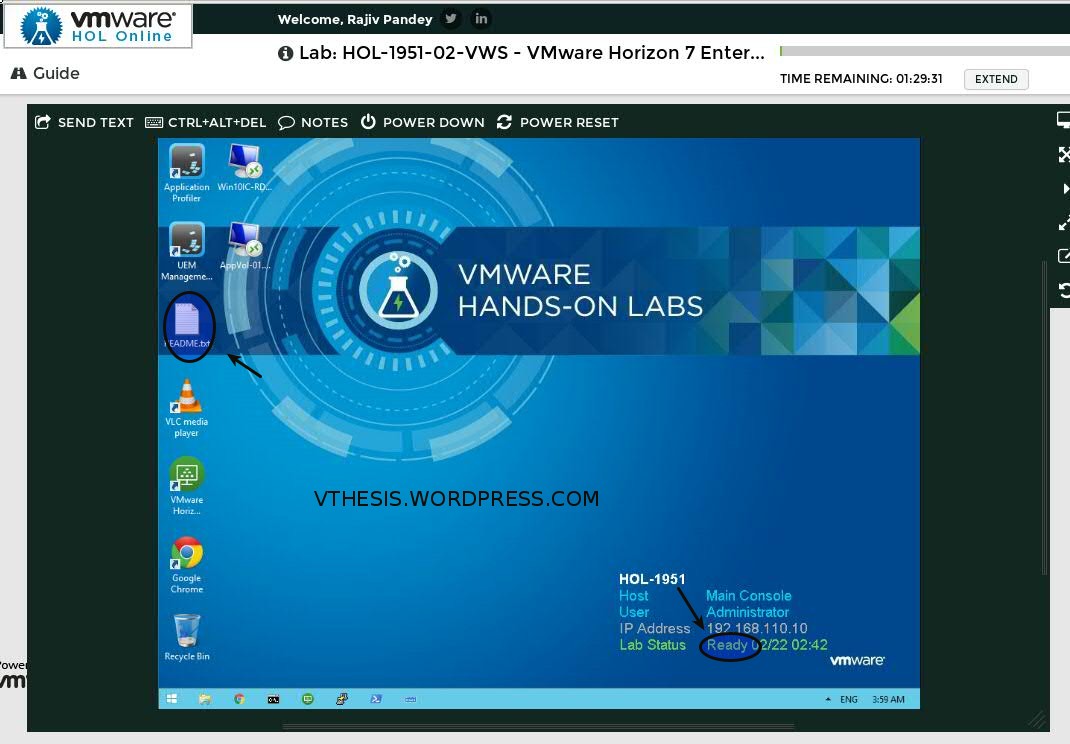
On the desktop you can see the Readme file ,open it .
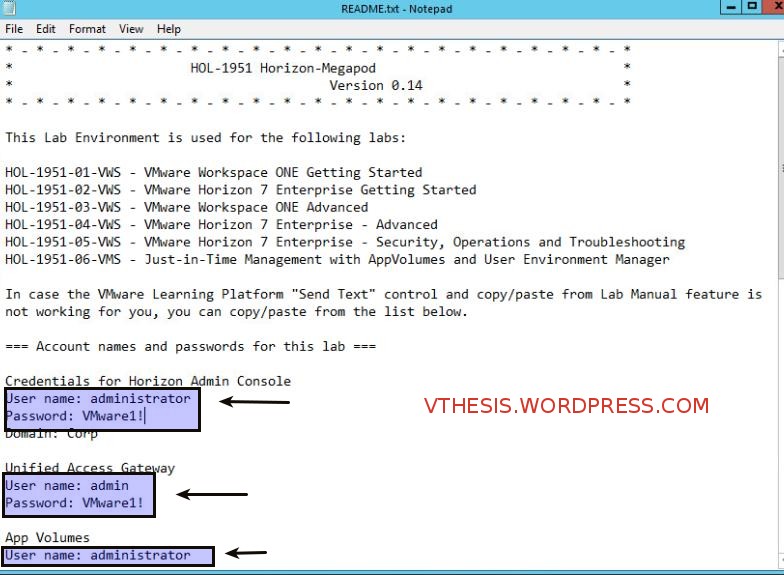
When you open the Readme file ,able the see the credentials .use it and setup your environment accordingly .
Thanks hope you like it.
Rajiv Pandey.